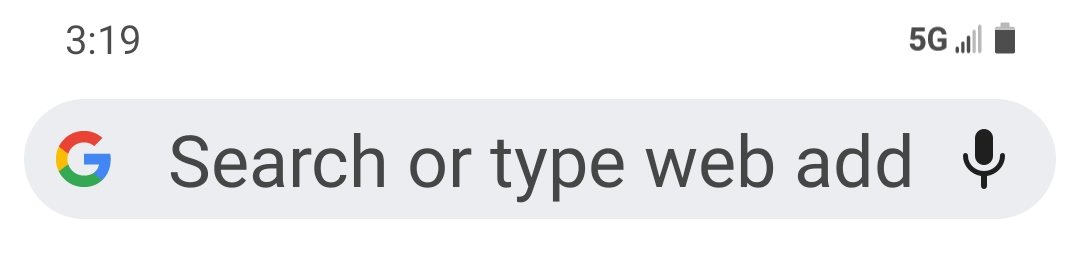
AARP Personalized Nutrition uses a progressive web application (PWA) that provides interactive functionality and is accessed through a web browser. Enter nutrition.aarp.org in the Google Chrome Search box. Then follow the prompts to install the icon for instant access to your nutrition app from your Android Home Screen.
- Type nutrition.aarp.org in the Google search box.
- Tap
to open the menu.
- Select: Add to Home screen or Install app depending on you Android device.
- Click: Add
- Tap: Add to Install.
- The icon is now installed on your Home Screen for easy access.