- From the navigation bar, click the Profile Settings icon.
- Click the
tab.
- Click the Select Food Restrictions icon
to unroll the menu options
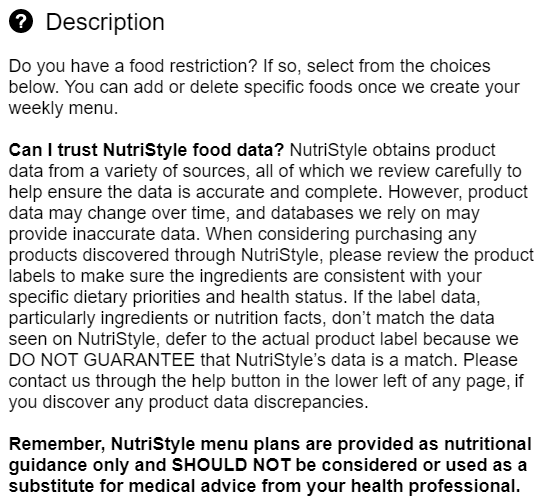
- Click the information icon
to view a detailed description of each food restriction option.
- Select
the foods that you would like to be restricted from your diet. The number of Food Restrictions you choose can affect the number and variety of foods and Recipes in your My Menu.
- Click Save.
Close tab to return to your Meal Plan Creator app.
